Multi Mic Separation
Podcast producers, broadcast and event teams, and teams that make meeting notes and captions use it to clean up speech recorded on several microphones.팟캐스트 제작자, 방송과 행사 제작팀, 회의록과 자막을 만드는 팀이 여러 마이크로 녹음한 음성을 정리할 때 사용합니다.
When there are several microphones, it extracts the main speaker's voice on each one and removes the other voices.마이크가 여러 개일 때 마이크마다 주 화자의 목소리를 추출하고 다른 사람의 목소리를 지웁니다.
Press Auto play to hear each mic twice, as recorded and then separated. To listen your own way, press S on any track to hear only that track, and press the ruler or a waveform to move to any moment.자동 재생을 누르면 마이크마다 같은 구간을 녹음 그대로 한 번, 분리한 결과로 한 번 들려 드립니다. 직접 들으려면 원하는 트랙의 S를 눌러 그 트랙만 듣고, 눈금자나 파형을 눌러 원하는 지점으로 옮기면 됩니다.
Mic 1 · Original마이크 1 · 원본1/3As recorded, all four voices at the table come through this mic.녹음된 그대로라 네 사람의 목소리가 모두 이 마이크에 들어옵니다.
- Mic 1 · Original
- Mic 1 · Result, silenced by solo
- Mic 2 · Original, silenced by solo
- Mic 2 · Result, silenced by solo
- Mic 3 · Original, silenced by solo
- Mic 3 · Result, silenced by solo
- Mic 4 · Original, silenced by solo
- Mic 4 · Result, silenced by solo
Keep one voice on each microphone각자의 마이크에 그 사람의 목소리만 남기기
The person next to you is recorded on your microphone too. Edit like that and a word you cut stays on another track, and captions show the same sentence twice.옆 사람의 목소리가 내 마이크에도 녹음됩니다. 이 상태로 편집하면 잘라 낸 말이 다른 트랙에 남고, 자막에는 같은 말이 두 번 들어갑니다.
- Keeps only the main speaker in each mic file.마이크별 파일에서 주 화자의 목소리만 남깁니다.
- Separates sections where several people talk at once, mic by mic.여러 사람이 동시에 말한 구간도 마이크별로 분리합니다.
- Processes 2 to 10 mic files per job, with no need to sync them first.한 번에 마이크 파일 2~10개를 처리하며, 싱크를 미리 맞출 필요가 없습니다.
- Available in the web console and through the API.웹 콘솔과 API에서 같은 기능을 사용할 수 있습니다.
Use cases활용 사례
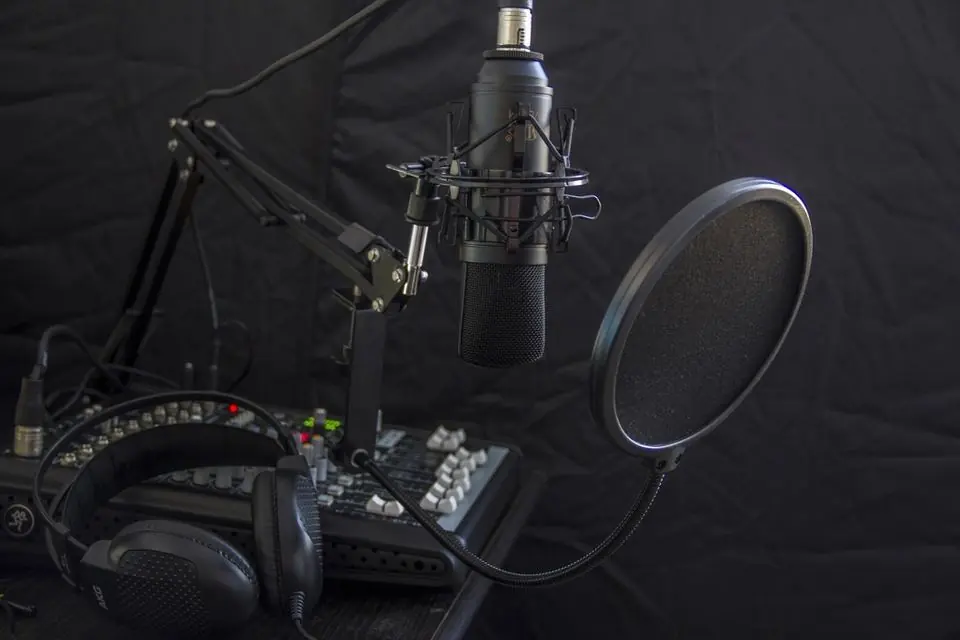
Podcasts팟캐스트
Edit each guest on their own track출연자별로 따로 편집하기
Each guest's track holds one voice, so you can clean up a section where people talk over each other one person at a time.출연자 트랙마다 한 사람의 목소리만 남아, 말이 겹친 구간도 한 사람씩 다듬을 수 있습니다.
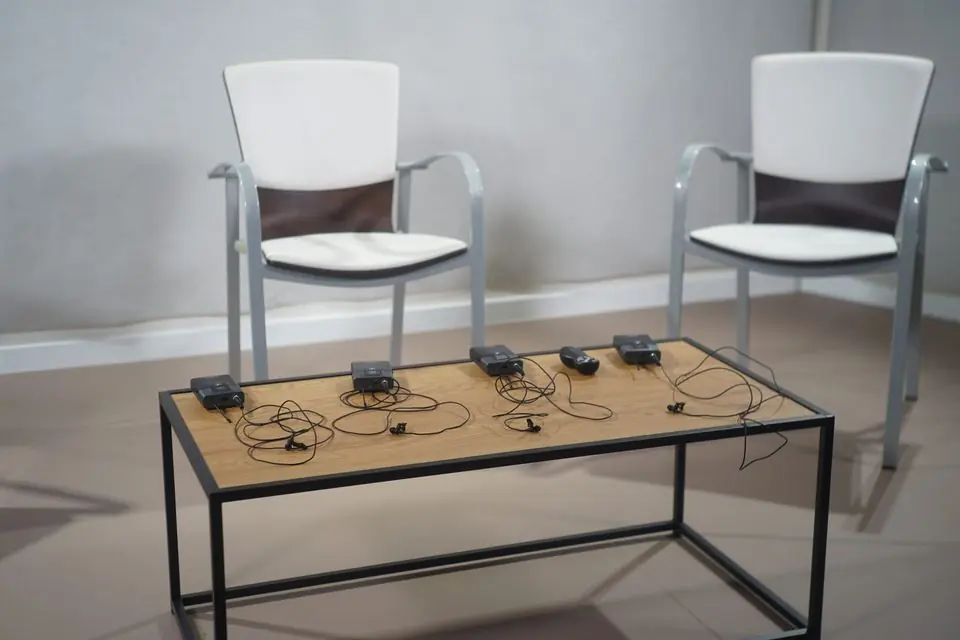
Broadcast and events방송과 행사
Clean up panel audio패널 토론 음성 정리하기
Process the lavalier recordings of a panel discussion before post-production. It works on recorded files and does not support live audio.핀 마이크로 녹음한 패널 토론과 좌담회 음성을 후반 작업 전에 정리합니다. 녹음 파일만 처리하며 생방송은 지원하지 않습니다.

Meeting notes and captions회의록과 자막
Transcribe by speaker화자별로 받아쓰기
Send each mic file to speech-to-text. Speakers are already split by file, and no sentence is written twice.마이크별 파일을 음성 인식에 넣으면 말한 사람이 파일 단위로 나뉘고, 같은 말이 중복해서 적히지 않습니다.
How to access이용 방법
Console
Upload an audio sample in the web console and listen to the result.웹 콘솔에서 음성 샘플을 올리고, 결과를 들어보세요.
Try it in the console콘솔에서 사용해 보기API
Call the same job from your own service with an API key.API 키로 같은 작업을 서비스에 연동합니다.
See the API docsAPI 문서 보기Contact sales도입 문의
Leave your question and our team will reply by email.문의 사항을 남겨 주시면 담당자가 이메일로 답변드립니다.