Target Speaker Extraction
Lecture video teams, reporters and post-production editors use it on recordings in which other people talk near the speaker.강의 영상 제작팀, 취재 기자, 후반 작업 편집자가 주변 사람의 말소리가 섞인 녹음을 정리할 때 사용합니다.
Using a short sample of one person's voice, it removes every other voice from the recording.짧은 음성 샘플을 기준으로 녹음에서 한 사람의 목소리만 남기고 나머지 말소리는 지웁니다.
Press Play to hear the separated result.재생 버튼을 누르면 분리된 결과를 들을 수 있습니다.
- Recording녹음
- Voice음성
- Voice sample음성 샘플
This sample overlaps two people reading aloud; the voice sample is 5 seconds of one of them reading another passage. Switch between Original and Result to compare.두 사람의 낭독을 겹쳐 만든 샘플이며, 음성 샘플은 그중 한 사람이 다른 문장을 읽은 5초 분량입니다. 원본과 결과를 번갈아 눌러 비교해 보세요.
Keep the one voice you need out of many여러 목소리 속에서 필요한 한 사람만 남기기
A microphone picks up everyone who talks near it. Where the voices overlap you cannot cut them out, so they stay in the video and in the captions.마이크는 주변에서 말하는 사람의 목소리를 모두 녹음합니다. 말이 겹친 구간은 잘라 낼 수 없어 영상과 자막에 다른 사람의 말이 그대로 남습니다.
- Takes two files: the recording and a voice sample of the speaker to keep.녹음 파일과 함께, 남길 사람의 음성 샘플을 입력합니다.
- The voice sample needs at least 3 seconds of that speaker talking alone; 10 seconds or more is recommended.음성 샘플은 남길 사람이 혼자 말한 3초 이상의 녹음이어야 하며, 10초 이상을 권장합니다.
- Processes a recording of up to 120 minutes per job.한 번에 최대 120분 길이의 녹음을 처리합니다.
- Returns one track at the same length as the recording.결과는 녹음과 길이가 같은 트랙 하나로 제공합니다.
Use cases활용 사례
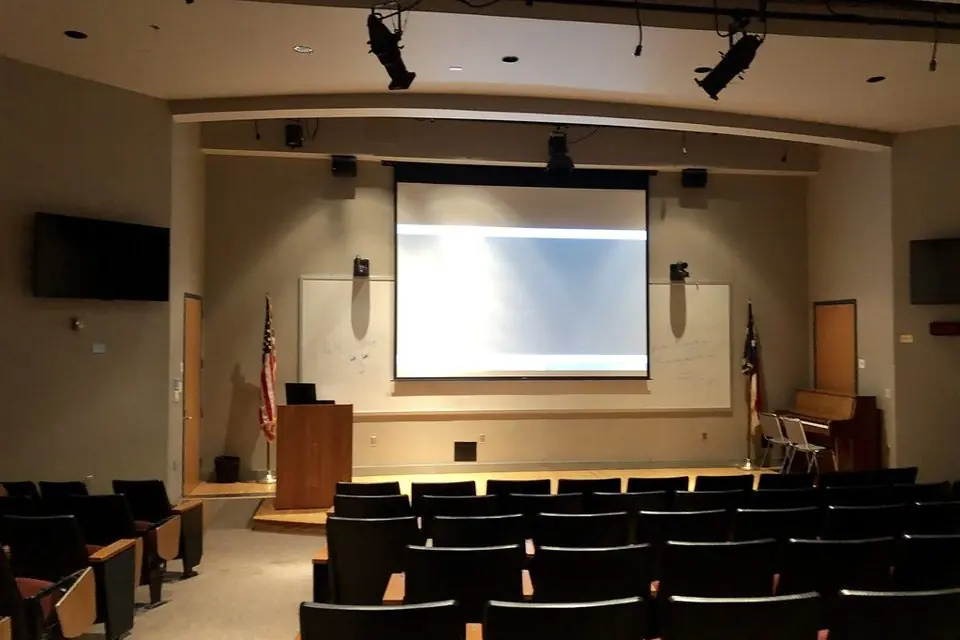
Lecture recordings강의 녹화
Keep only the lecturer's voice강사의 목소리만 남기기
Use a passage where the lecturer talks alone as the voice sample. It removes the students' voices from the lecture recording.강사가 혼자 말한 구간을 음성 샘플로 사용해 강의 녹음에서 수강생의 말소리를 지웁니다.

Field interviews현장 인터뷰
Remove bystanders' voices from an interview주변 사람의 말소리 지우기
Record the interviewee alone for a few seconds before or after the interview, and use that as the voice sample.인터뷰 전이나 후에 인터뷰 대상자의 목소리만 몇 초 녹음해 두고 음성 샘플로 사용합니다.

Video post-production영상 후반 작업
Remove the crew's voices from location audio현장 녹음에서 스태프의 말소리 지우기
Process it before the mix and use the result as the presenter's dialogue track.믹싱 전에 처리해 두면 결과를 출연자의 대사 트랙으로 쓸 수 있습니다.
How to access이용 방법
Console
Upload an audio sample in the web console and listen to the result.웹 콘솔에서 음성 샘플을 올리고, 결과를 들어보세요.
Try it in the console콘솔에서 사용해 보기API
Call the same job from your own service with an API key.API 키로 같은 작업을 서비스에 연동합니다.
See the API docsAPI 문서 보기Contact sales도입 문의
Leave your question and our team will reply by email.문의 사항을 남겨 주시면 담당자가 이메일로 답변드립니다.